Stocks
Overview
Screen Type: Maintenance
Screen ID: MAINT-124
The Stocks screen provides a data table of product stock position by supplier at a terminal, organized by folio. The only operator features of this screen is to allow priming of a new stock record for a Supplier and to adjust the contract percentage for gain/loss of a specific stock record. TMS7 will automatically update stock records as part of the End of Day operations. Operators should primarily use the Bulk Stock Report, the MTD Stock Summary Report, and the Real Time Stock Balance Report to view stock levels because editing data directly on the Stocks screen can lead to reporting issues and inaccurate terminal balancing.
Screen Layout
To access the Stocks screen, complete the following:
-
On the TMS7 Home screen, search for 'Stocks' in the home screen search bar.
-
Select 'Stocks.'
-
Alternatively, a user can navigate to this screen using the Inventory menu:
-
Select the Inventory menu.
-
Select 'Stocks.'
-
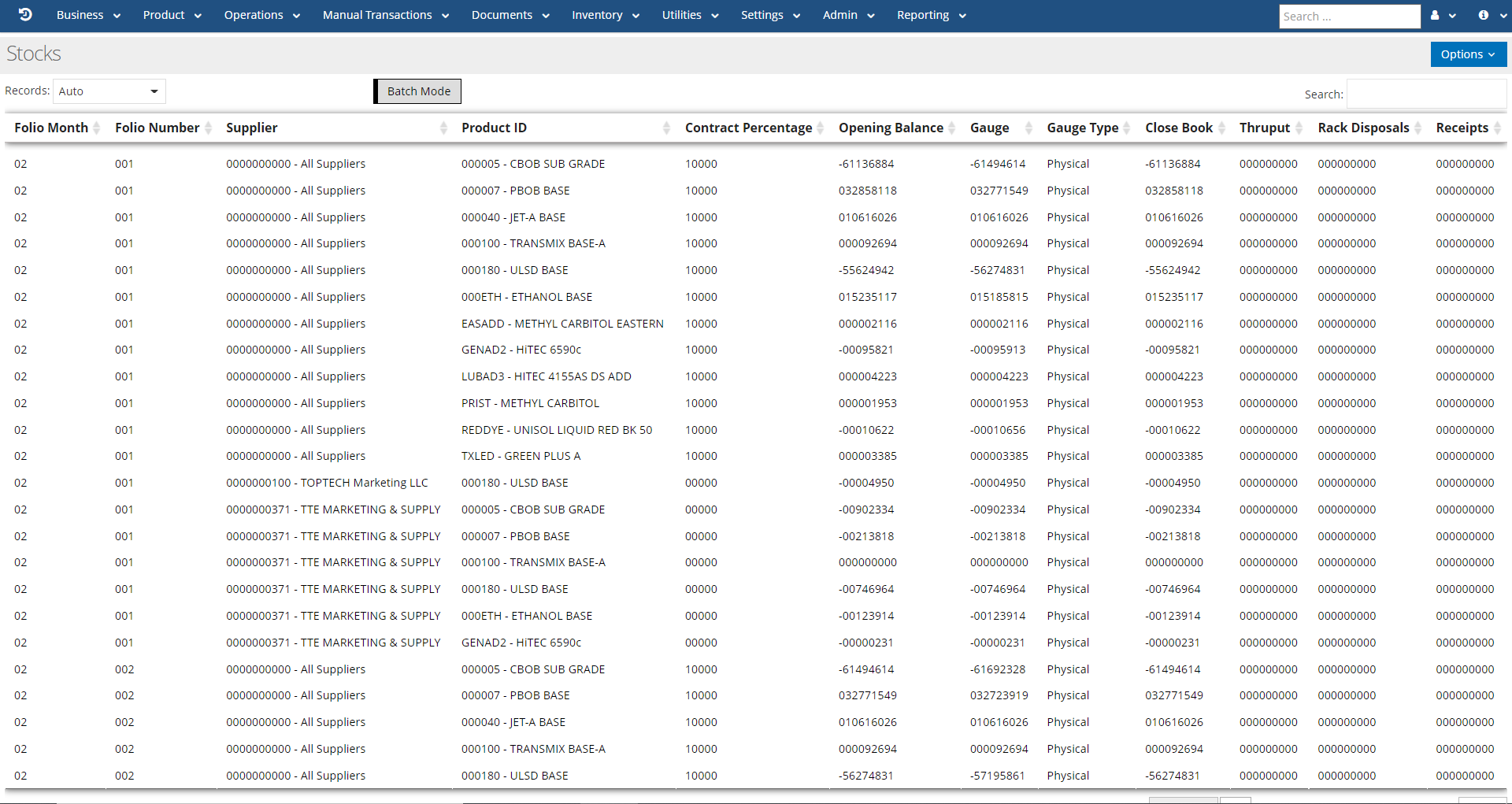
The Stocks screen will list all stock records, organized by folio and supplier
Stocks: Detail
A user can select any stock record to view the Stocks: Detail screen for that record. The Detail screen is used for viewing stock data for a particular folio; in most cases, the only field that should be edited on the current folio's record is the 'Contract Percentage' field.
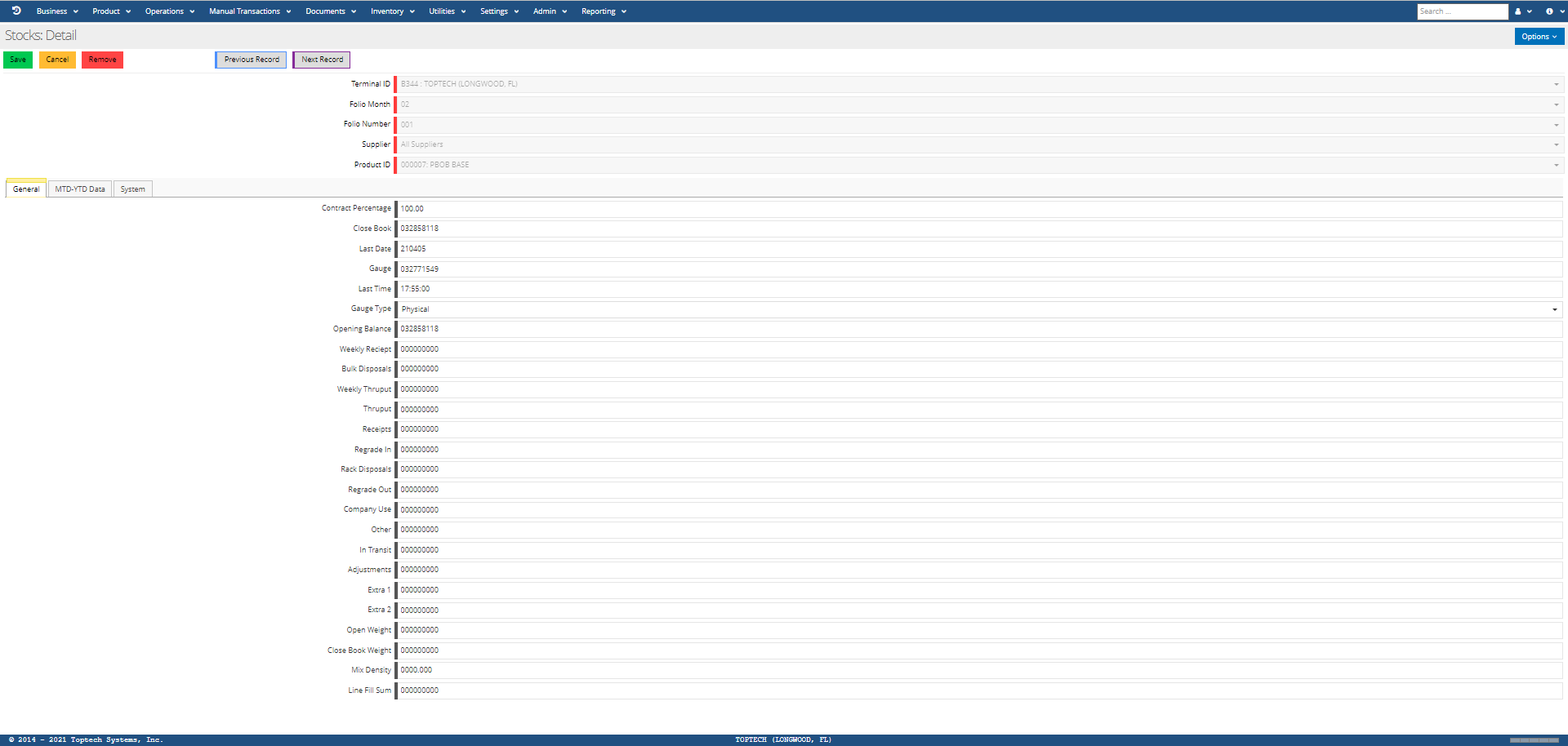
The features of the Stocks: Detail screen are defined in the table below:
| Feature | Description |
|---|---|
| Options |
The 'Options' menu contains the following features:
|
| Terminal ID | The terminal ID for the terminal where the stock is located. |
| Folio Month | The folio month associated with the stock record. |
| Folio Number | The folio number associated with the stock record. |
| Supplier | The supplier associated with the stock record. |
| Product ID | The product ID for the product being recorded in this stock record. |
General
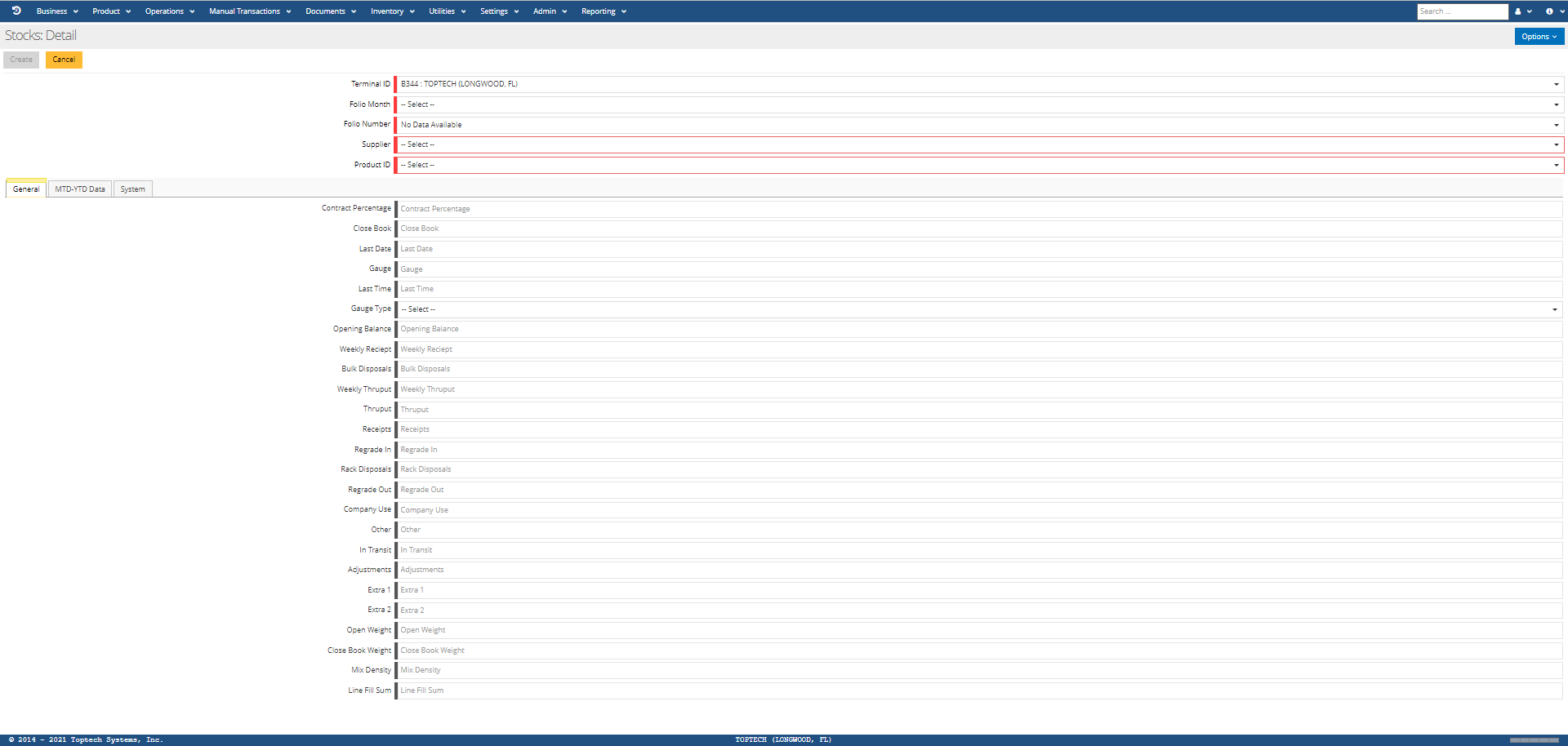
| Feature | Description |
|---|---|
| Contract Percentage | The percentage of unallocated gain/loss for a product that should be attributed to the Supplier for the product. Special configurations required in TMS to activate this feature; please contact Toptech for more information. |
| Close Book | The stock of the product at folio close. |
| Last Date | The date on which the stock record was updated automatically by TMS7. |
| Gauge | The amount of stock determined by gauging the tanks where that product is being stored. |
| Last Time | The time at which the stock record was last updated automatically by TMS7. |
| Gauge Type | The type of gauging method used: memo or physical. See Gauges for more information. |
| Opening Balance | The stock available at the start of the folio. Under normal circumstances, this is equal to the Closing balance of the previous folio. |
| Weekly Receipt | The amount of stock that was received during the last 7 days of transactions. |
| Bulk Disposals | The total amount of stock dispersed through bulk “disposal” transactions attributed to the folio. |
| Weekly Thruput | The amount of stock that was adjusted on the stock record via Thruput transactions in the 7 days leading up to and including the current stock record. |
| Thruput | The amount of stock that was adjusted on the stock record via Thruput transactions. |
| Receipts | The amount of stock that was adjusted on the stock record via Receipt transactions. |
| Regrade In | The amount of stock that was adjusted on the stock record via Regrade In transactions |
| Rack Disposals | The amount of stock that was adjusted on the stock record via Rack Disposal transactions. |
| Regrade Out | The amount of stock that was adjusted via Regrade transactions that was applied to the stock record. |
| Company Use | The amount of stock used by the supplier that was not a part of any customer transactions. |
| Other | The amount of stock that was adjusted on the stock record via “Other” category transactions. |
| In Transit | The amount of stock that was adjusted on the stock record via In Transit transactions. |
| Adjustments | The amount of stock that was adjusted on the stock record via Adjustment transactions. |
| Extra 1 | This field is not currently in use. |
| Extra 2 | This field is not currently in use. |
| Open Weight | The weight of product at the start of the folio. |
| Close Book Weight | The weight of product at folio close. |
| Mix Density | Please contact Toptech for more information on this field. |
| Line Fill Sum | The amount of stock located in line fills in the tank where the product is being stored. |
MTD-YTD Data
This tab is used to compare product stock during a particular folio against product stock for the entire year. This tab displays the same data from the General tab in the Month to Date (MTD) fields. The fields labeled with YTD represent the values for each field type based on the Year to Date (YTD) data. For example, MTD Opening Balance would display the stock balance of the product at the start of the folio specific to this record, whereas the YTD Opening Balance field would display the stock balance for this product based on the balance at the beginning of the terminal's fiscal year. Refer to field descriptions in the general tab to understand each field in the MTD-YTD Data tab.