Email Groups
Overview
Screen Type: Maintenance
Screen ID: MAINT-054
Email Groups are used to define groups that individual emails can be added to, similar to a email contact list. These group numbers can be used in other screens throughout TMS7 to trigger emails that will be sent to all members in the email group. Typically, these group numbers are used for Reports, BOL documents, and Inventory documents.
Screen Layout
To access the Email Groups screen, complete the following:
-
On the TMS7 Home screen, search for 'Email Groups' in the home screen search bar.
-
Select 'Email Groups.'
-
Alternatively, a user can navigate to this screen using the Admin menu:
-
Select the Admin menu.
-
Select 'Email Groups.'
-
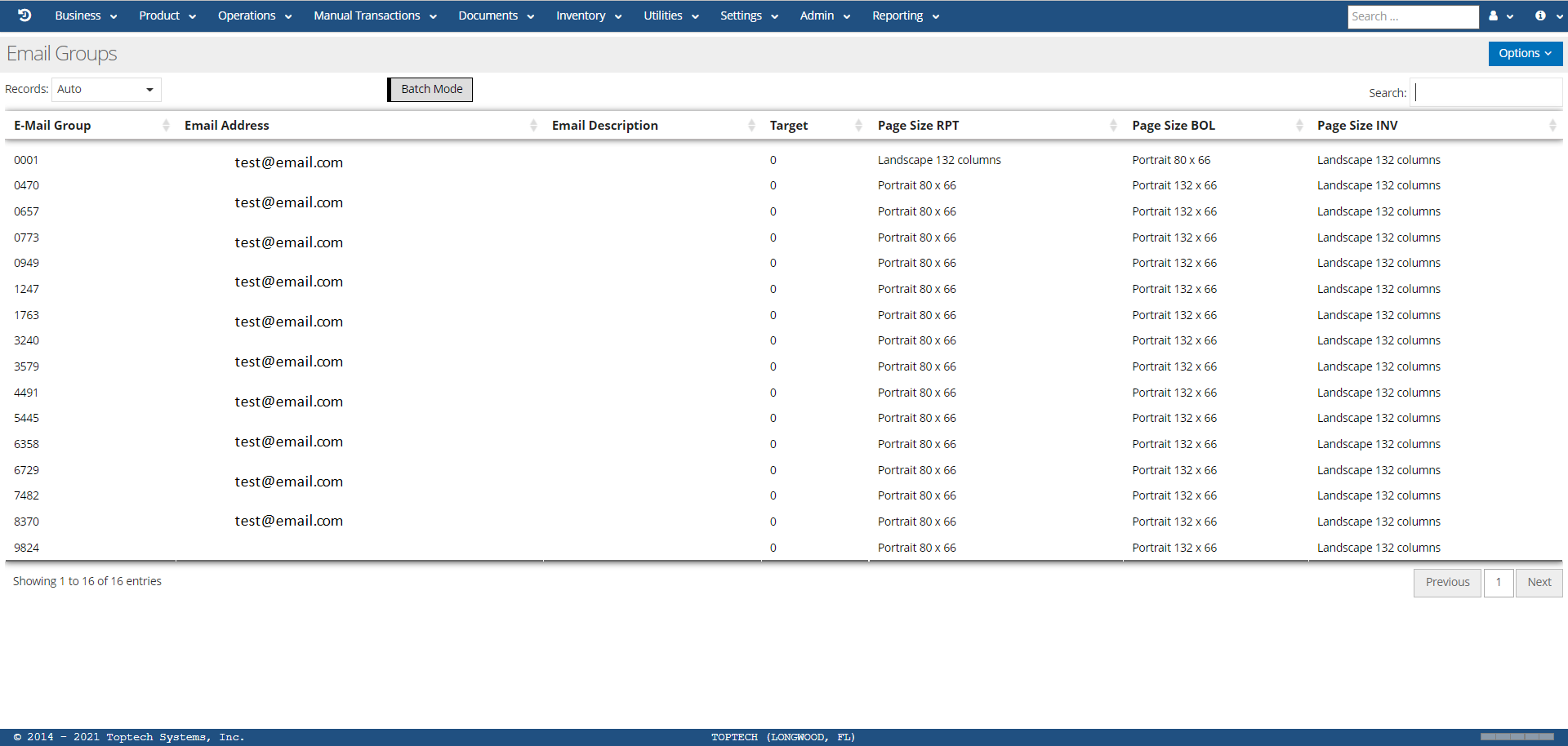
The Email Groups screen will list all Email Group records that have been created, organized into configurable columns. The Options menu contains the standard maintenance screen menu options.
Email Groups: Detail
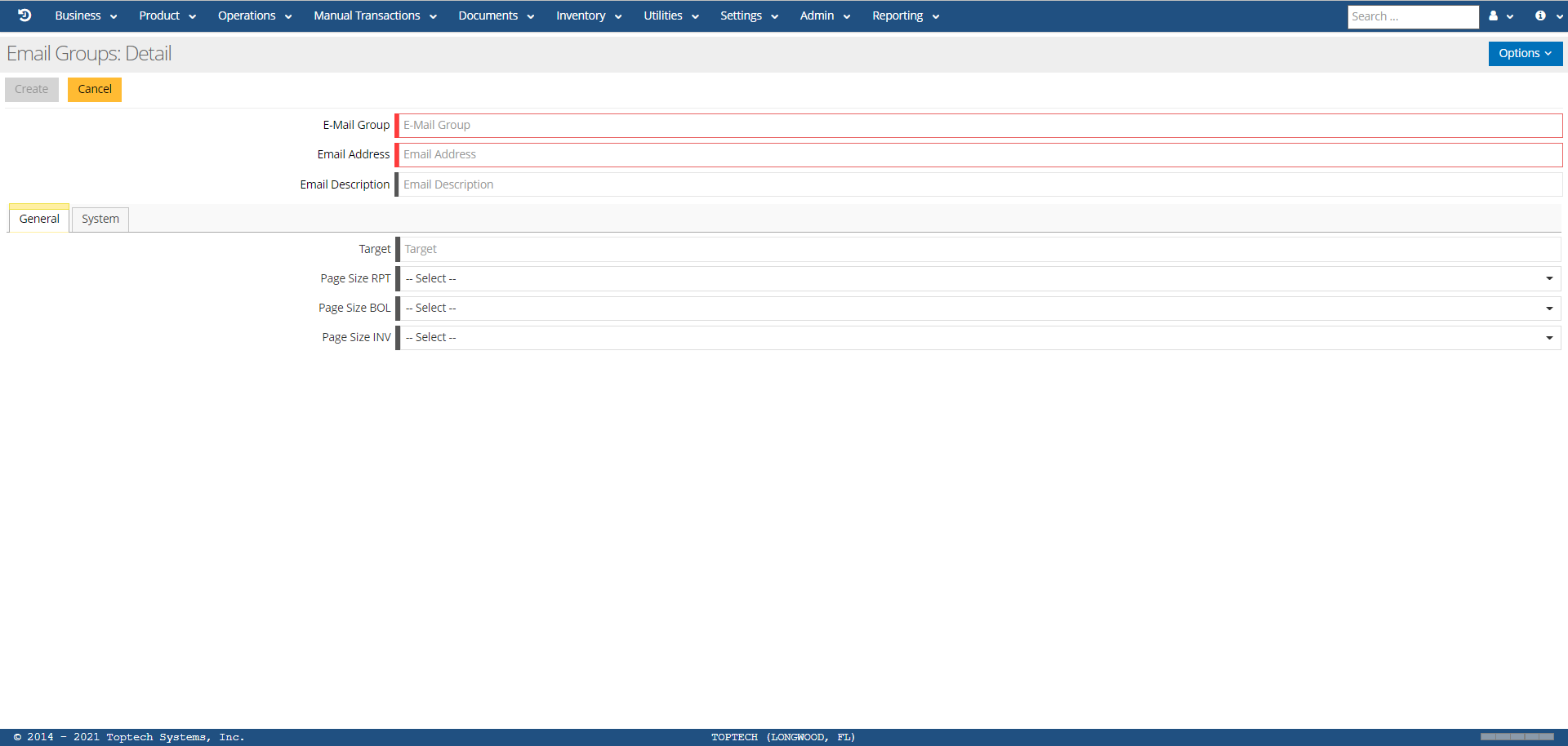
A user can select any record to view the Email Groups: Detail screen for that record, or select 'New' from the 'Options' menu to create a new record. The features of the Detail screen are defined in the table below:
| Field | Description |
|---|---|
| E-Mail Group | Enter a 4-character number to define the group. |
| Email Address | Enter the email address you wish to add to the group. You will need to create an individual record for each email address you wish to add, using the same E-Mail Group number for each record. |
| Email Description | If desired, enter any comments related to the email address. |
| Target | Internal 1-character code to indicate record target. |
| Page Size RPT |
Select what page size you want Reports to be formatted to when sent via email to the group. Options include:
|
| Page Size BOL | Select what page size you want BOL documents to be formatted to when sent via email to the group. Options are the same as Page Size RPT. |
| Page Size INV | Select what page size you want Inventory documents to be formatted to when sent via email to the group. Options are the same as Page Size RPT. |